
Psiphon
Psiphon is a free and open-source internet censorship circumvention tool for Windows that connects you to blocked websites through its own network.
10.8 MB

PrivadoVPN is a VPN service with a Windows app that encrypts your connection, with a free plan and a paid Premium plan.
Average 0.0 · ratings: 0
Thank you! Your rating is saved; you can change it. Could not save the rating. Please try again later. Too many ratings from your network today. Please try again tomorrow. The average appears after 5 ratings.
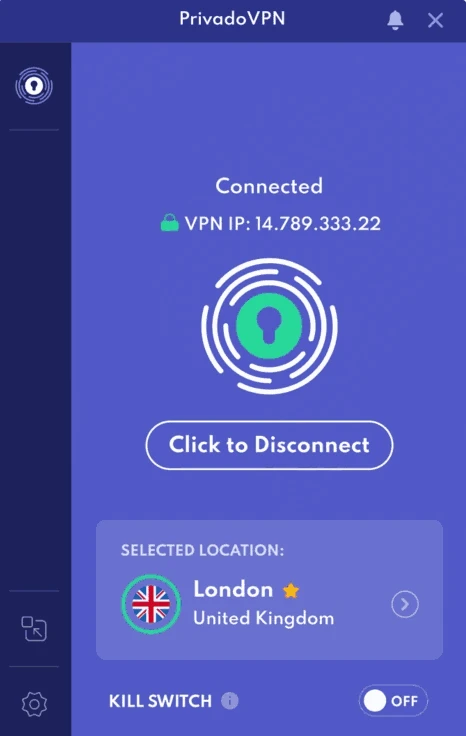
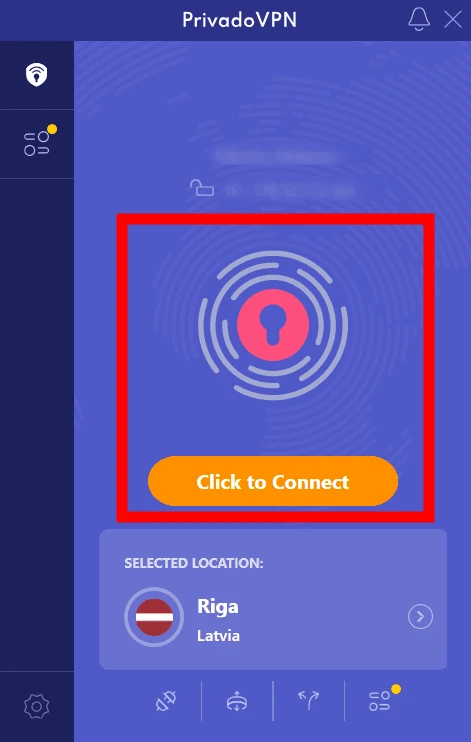
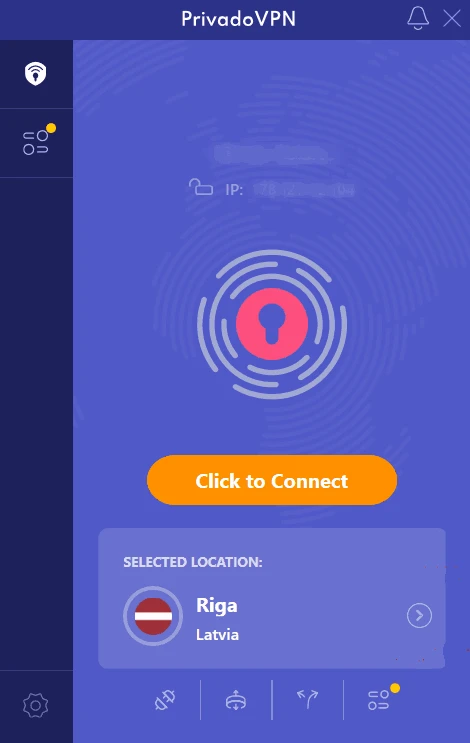
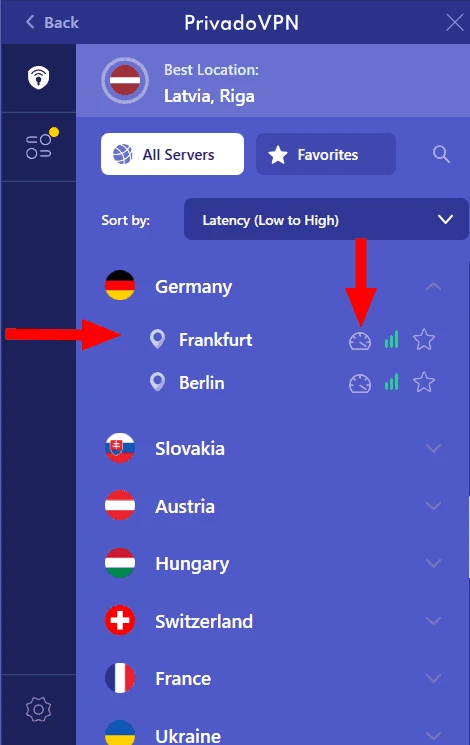
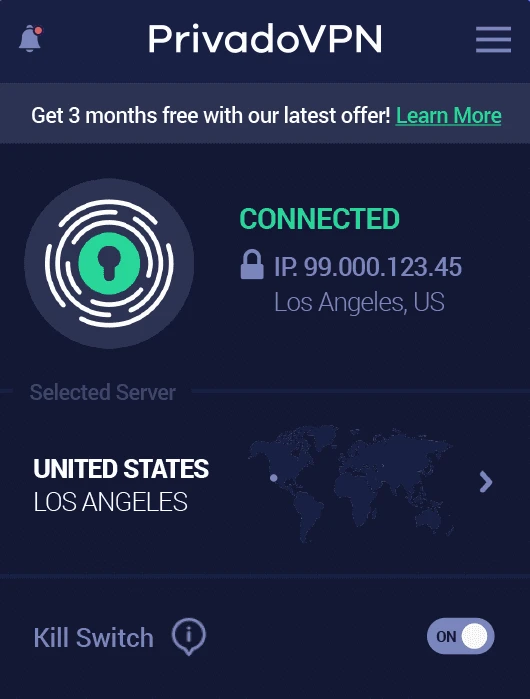
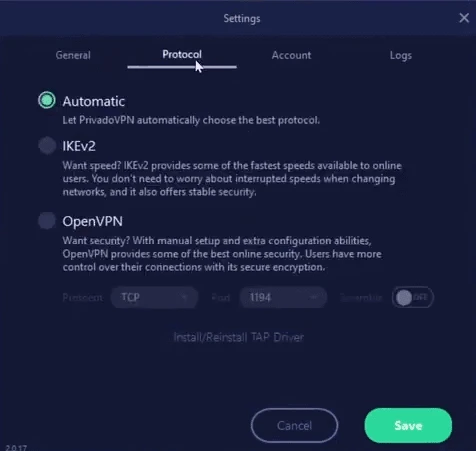
PrivadoVPN 4.1.0.0 is the Windows app of the PrivadoVPN service, which encrypts your internet connection and routes it through the provider's servers. You can download PrivadoVPN for Windows from the official site, use it on the free plan, and upgrade to Premium if you need more servers and no data limit.
| Parameter | Value |
|---|---|
| Version | 4.1.0.0 |
| Provider | PrivadoVPN |
| Platform | Windows (apps for other systems exist) |
| Windows versions | Windows 8, 8.1, 10, 11 |
| Plans | free plan and paid Premium |
| Installer size | about 12.59 MB according to catalogue data |
| Official site | privadovpn.com |
A VPN creates an encrypted tunnel between your PC and a server run by the provider. Websites and services then see the server's address instead of yours, and people on the same local network, such as a café Wi-Fi, cannot read your traffic. PrivadoVPN's Windows app wraps this into a simple interface: choose a country or let the app pick the quickest server, press connect, and the tunnel is up. The app includes a kill switch that blocks traffic if the VPN connection drops, so your real address does not leak, and split tunnelling that lets chosen apps bypass the VPN. The free plan is intended as a way to try the service, with a monthly data cap and a limited choice of server locations. Premium adds all locations, unlimited data, more simultaneous devices and extras such as ad and tracker blocking. As with every VPN, the provider becomes the party that sees your traffic, so trust in its no-logs policy is the main question.
The Windows setup guide covers details; Windows 7 is supported only through a manual setup for Premium plans.
Download the app only from privadovpn.com. A VPN hides your traffic from your network and your provider, but not from the VPN company itself, and it does not make you anonymous if you log in to accounts. Check local laws: VPN use is restricted in some countries.
The free plan costs nothing but has a data cap. Premium is a paid subscription, cheaper per month on longer terms.
Other VPN apps on our site include Proton VPN, which also has a free plan, Windscribe VPN, Mullvad VPN, Surfshark, ExpressVPN and CyberGhost.
Psiphon is a free and open-source internet censorship circumvention tool for Windows that connects you to blocked websites through its own network.

1111 Warp VPN is Cloudflare's WARP client for Windows, which encrypts DNS and traffic between your PC and Cloudflare's network.

Turbo VPN for Windows is a VPN client from Innovative Connecting that encrypts your connection and routes it through the provider's servers.

Proxifier is a Windows program by VentoByte that sends the network traffic of any application through a proxy server, even if the app has no proxy settings.

VPN Planet is a Windows VPN client from FreeVPNPlanet with a free option, available from its website and the Microsoft Store.

Radmin VPN is a free Windows program from Famatech that connects computers over the internet into a virtual local network, for LAN games and remote access.

v2rayN is a free, open-source Windows GUI client by 2dust for Xray, v2ray and sing-box proxy servers, with subscriptions and routing rules.

Hotspot Shield is a VPN app for Windows that encrypts your internet connection and changes your virtual location.